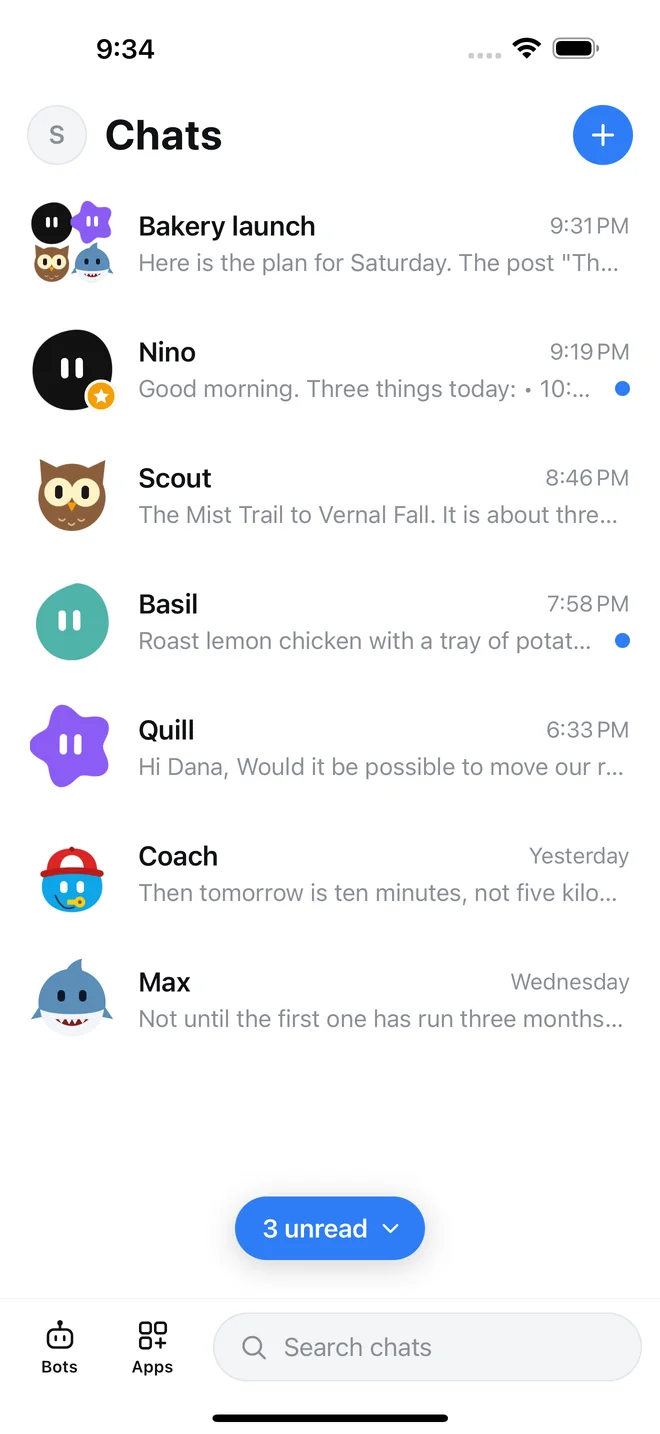
A team, not one chatbot
A researcher, a writer, a planner, a coach. Each bot has its own role and remembers what matters to it.
One job, one answer
Ask the group once. The bots split the work and bring back a single finished result.
Works while you are away
Schedule a task and the reply is waiting in your chat, even when the app is closed.
Team jobs
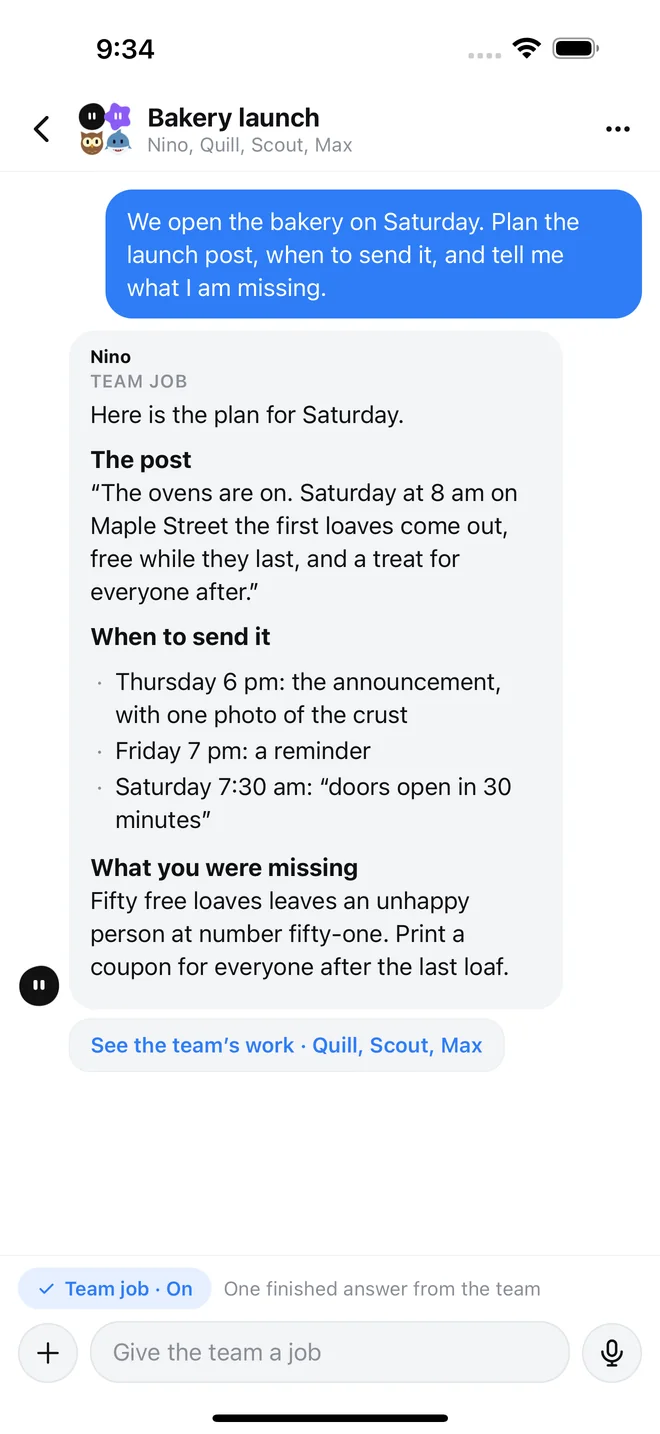
Give your team one job
Put your bots in a group chat and ask for what you need: a launch plan, a trip, a week of meals. They divide the work between them, check each other, and hand you one clear answer instead of three separate replies.
- Turn Team job on or off for any group
- See each bot's part of the work if you want the detail
Web search
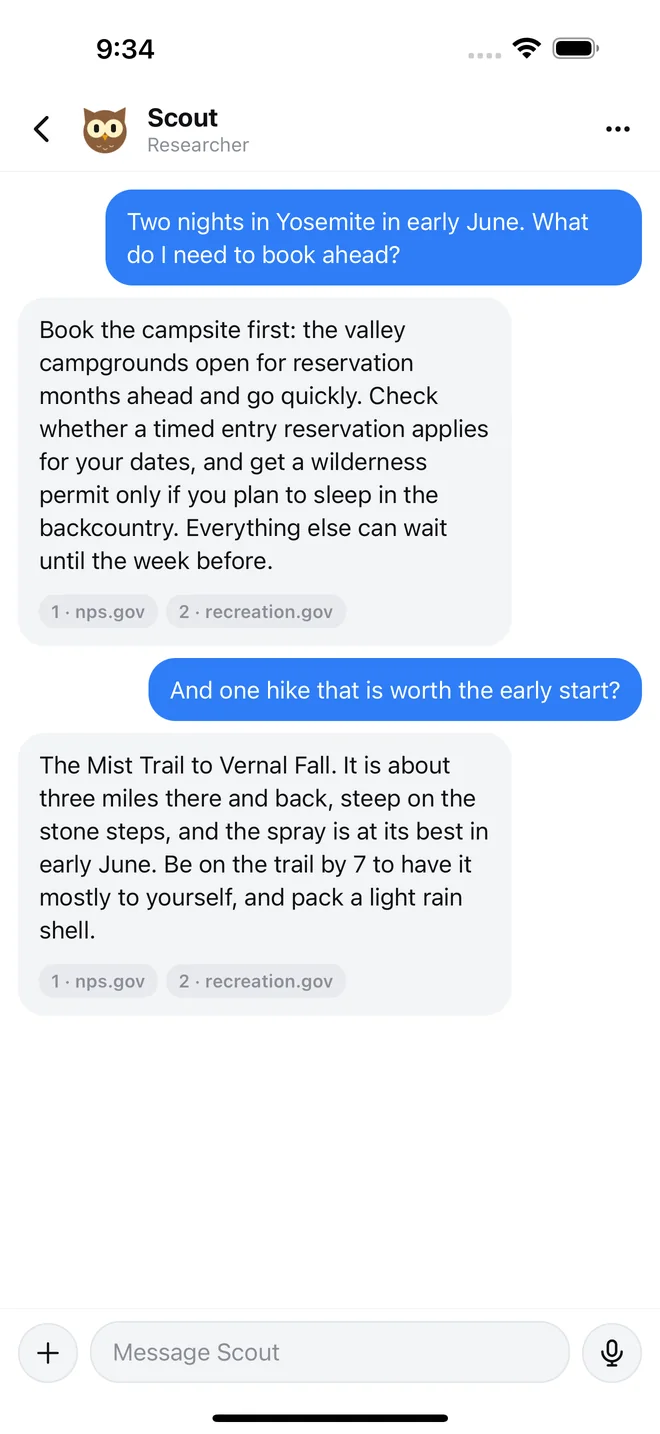
Answers with real sources
Bots can look things up on the web and show where each fact came from, so you can check it yourself in one tap.
Scheduled tasks
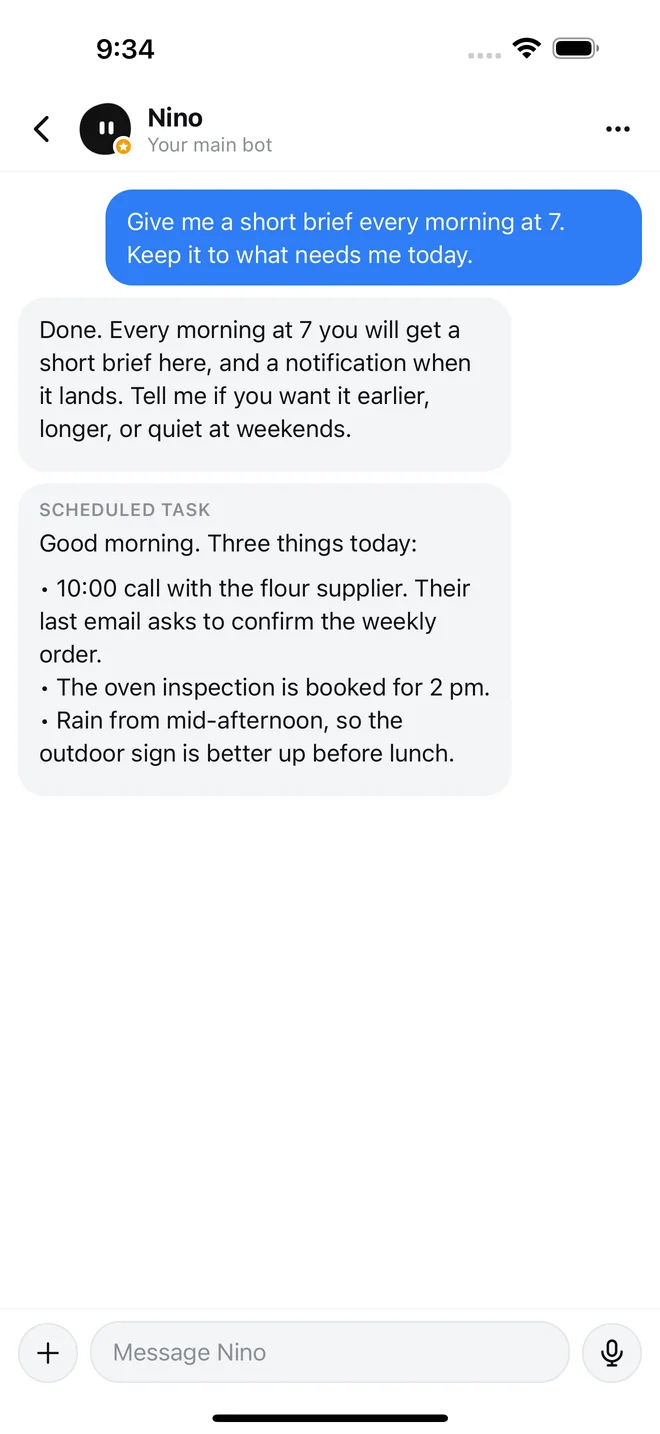
Done before you wake up
Ask a bot for a short brief every morning at 7, a weekly summary, or a reminder. It arrives as a message with a notification, right in the chat.
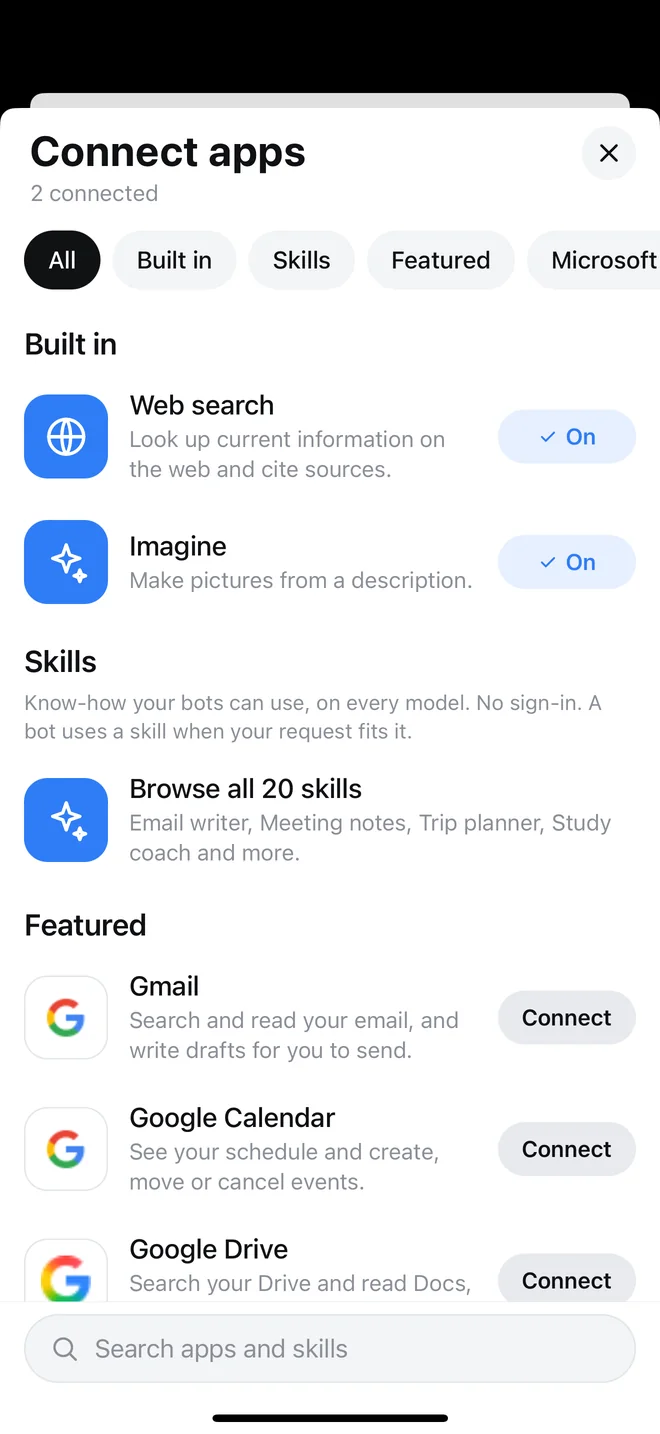
Connected apps
Works with your apps
Sign in to Gmail, Google Calendar, Google Drive, Outlook, OneDrive, Notion and more. Then ask a bot to find an email, check your week, or draft a reply for you to send.
- You choose what to connect, and can disconnect any time
- Built-in skills such as a trip planner and meeting notes need no sign-in
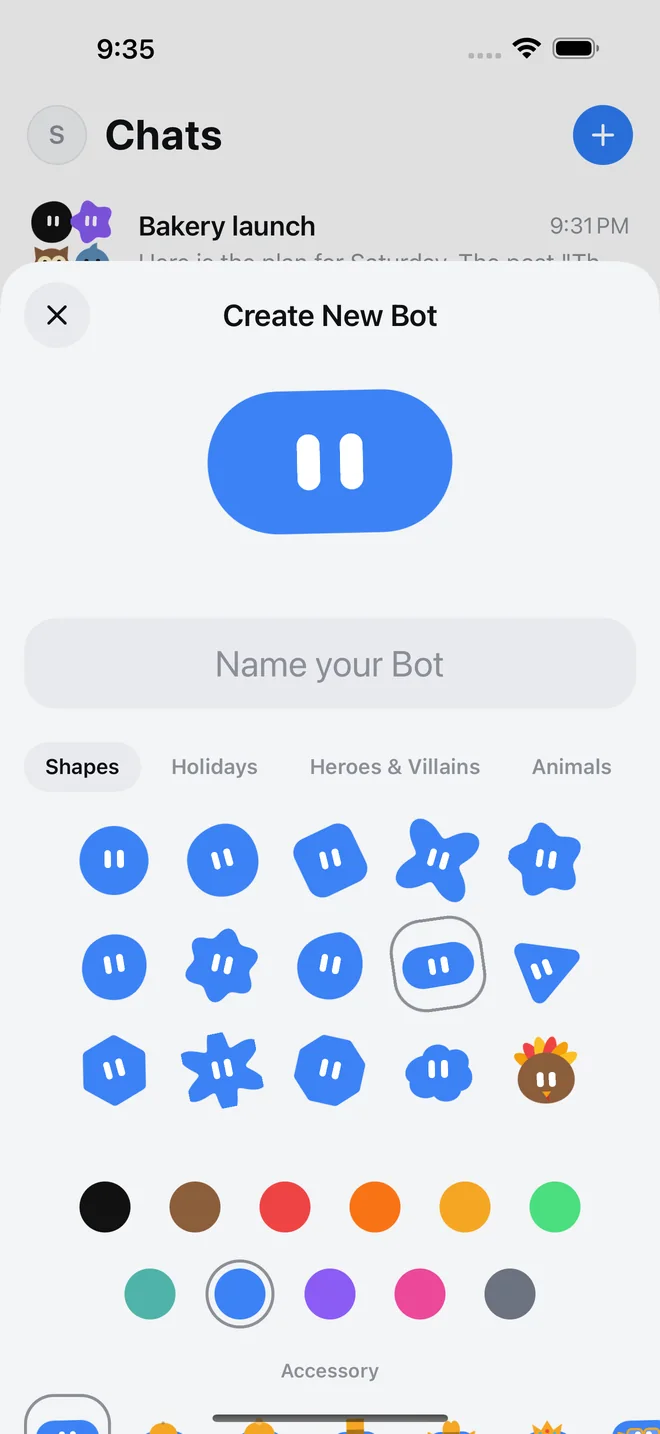
Your bots
Build a bot in seconds
Name it, pick a look, and tell it what its job is. Or add a ready-made bot with one tap. Each bot runs on a model you choose: ChatGPT models from OpenAI, or Gemini from Google.
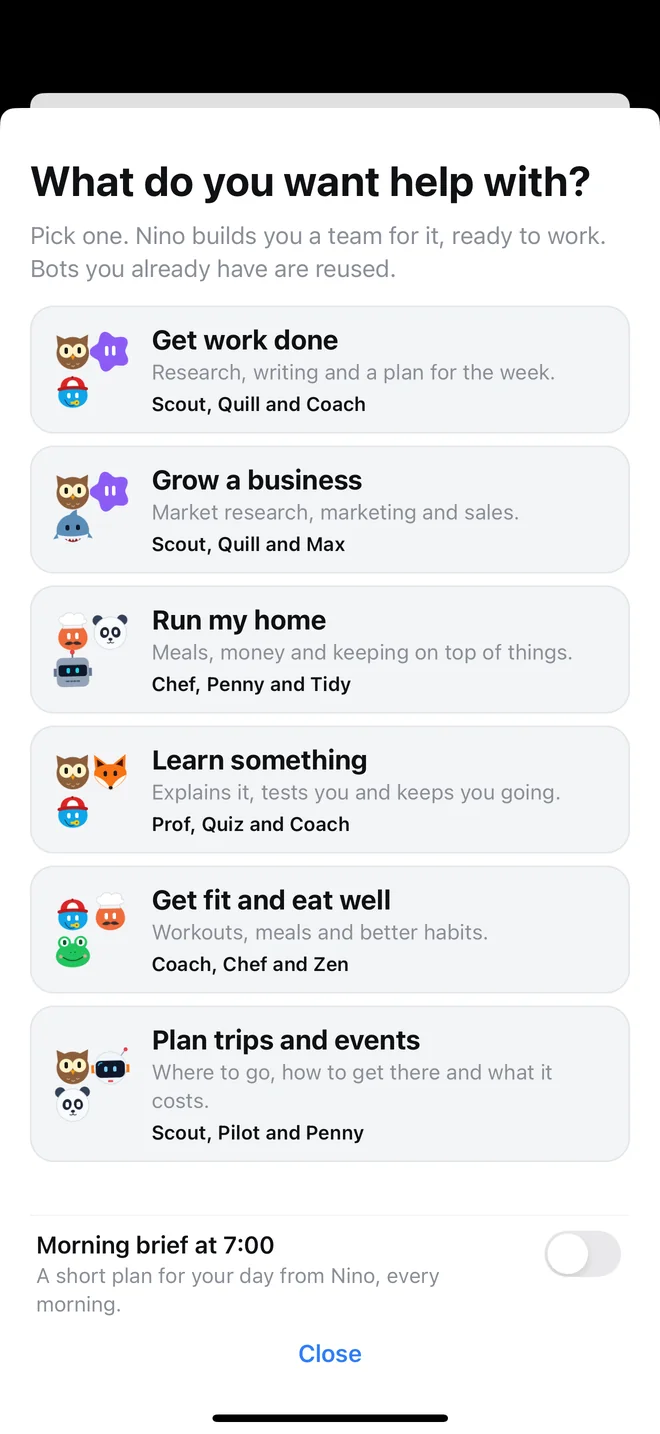
Start with a goal
Say what you want help with and Nino builds a team for it, ready to work.
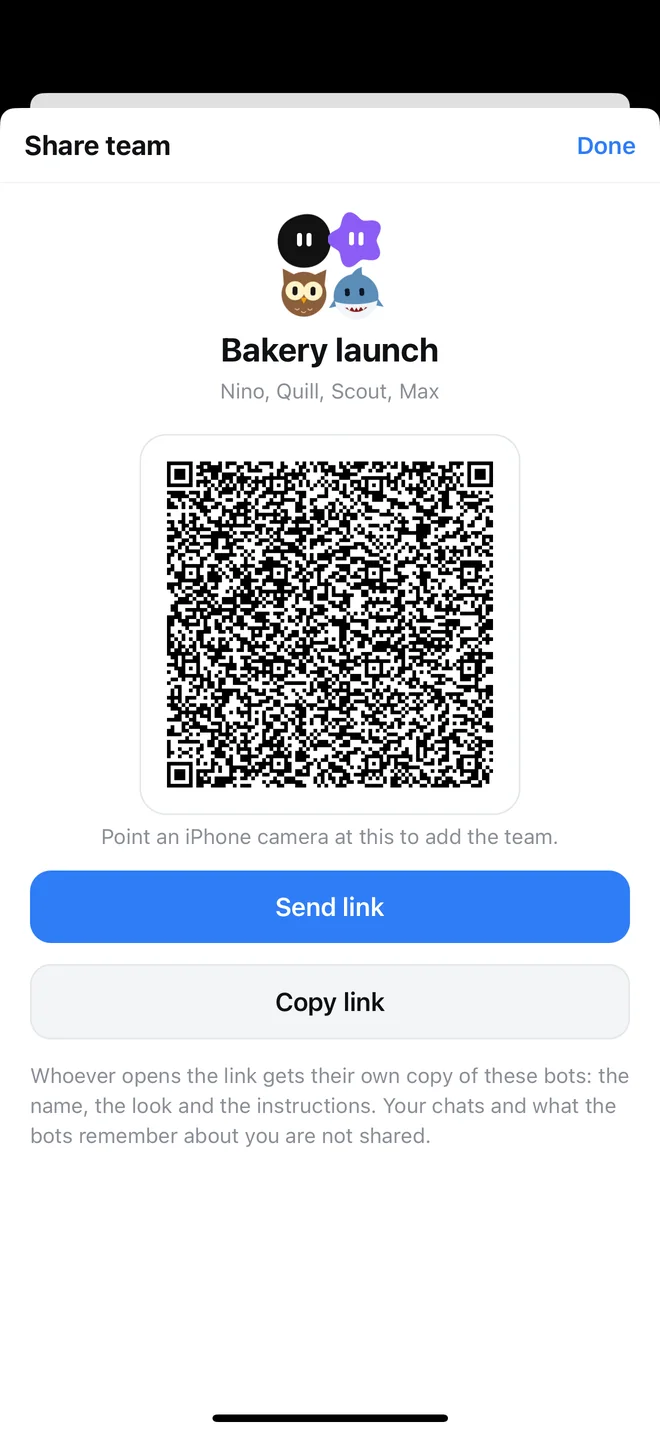
Share a bot or a team
Send a link or show a QR code. Whoever opens it gets their own copy. Your chats are never shared.
And more
Talk instead of typing
Speak to a bot and have the answer read aloud.
Photos and pictures
Send a photo to ask about it, or have a bot make a picture for you.
Routines
Save steps you repeat and run them again whenever you ask.
iPhone and iPad
Made for both, in light and dark.
How Nino Bot uses Google data
Connecting a Google account is optional. If you connect Gmail, Google Calendar or Google Drive, Nino Bot uses that access only to do what you ask a bot to do in a chat: search and read your email and write drafts (it never sends email), see and change calendar events, and find and read files. Nino Bot does not sell this data, show ads with it, or use it to train AI models. The details are in the Privacy Policy.
Private by design
There is no account to create. Your bots, chats and pictures are stored on your device. Messages are sent to the AI provider only to get a reply. Read the Privacy Policy for exactly what leaves your phone.
Questions?
The Support page has answers and a way to reach the developer.
